NetAlly LinkRunner 100G
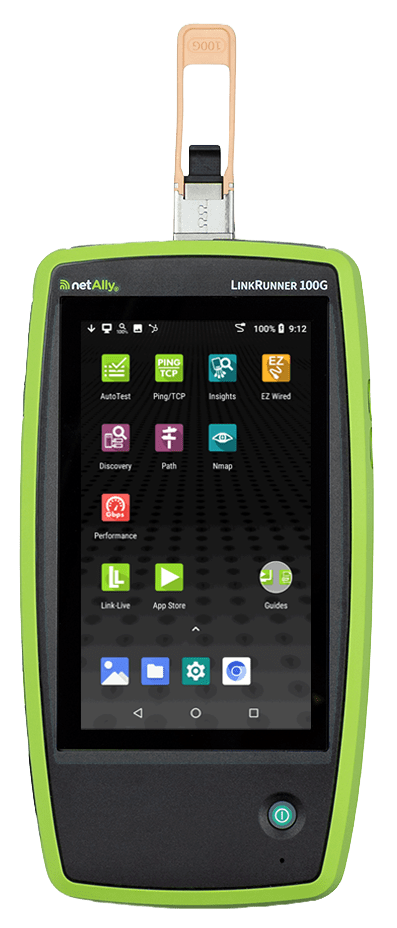
LinkRunner 100G: What It Does for High-Speed Ethernet Validation
A 100G link that comes up is not necessarily a healthy link. At these speeds, a marginal connector, an optical issue, a configuration mismatch or a Forward Error Correction (FEC) problem may not be visible in switch counters until the connection has already become unstable.
Priced for enterprise IT, the LinkRunner 100G brings professional-grade 100G validation out of high-cost modular test platforms and into the hands of the engineer working on the link.
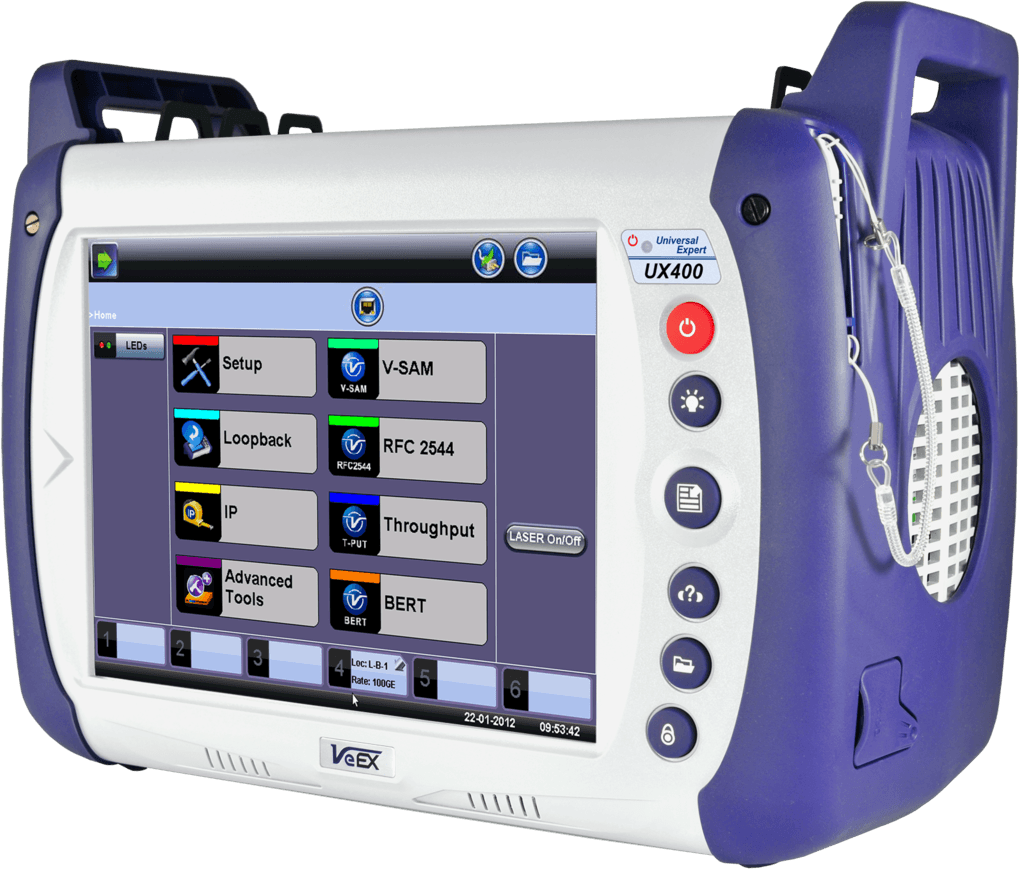
The NetAlly LinkRunner 100G gives network teams a practical way to install, validate and troubleshoot 25G to 100G Ethernet links at the point of work. It combines physical-layer visibility, link validation, path analysis, performance testing and reporting in one handheld platform.
Validate the link, not just the link light
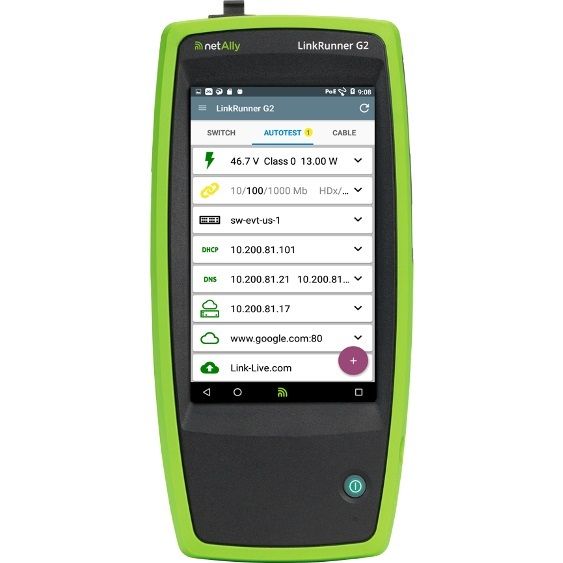
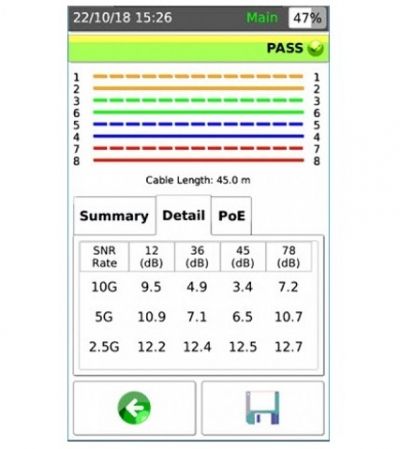
The LinkRunner 100G uses AutoTest to establish the connection, identify the connected switch and port, and validate the configured network services. The result shows the operational details that matter during installation, migration and troubleshooting:
- Link speed and lane configuration
- FEC mode and FEC counters
- VLAN assignment
- Nearest switch and port information
- Configured network-service tests
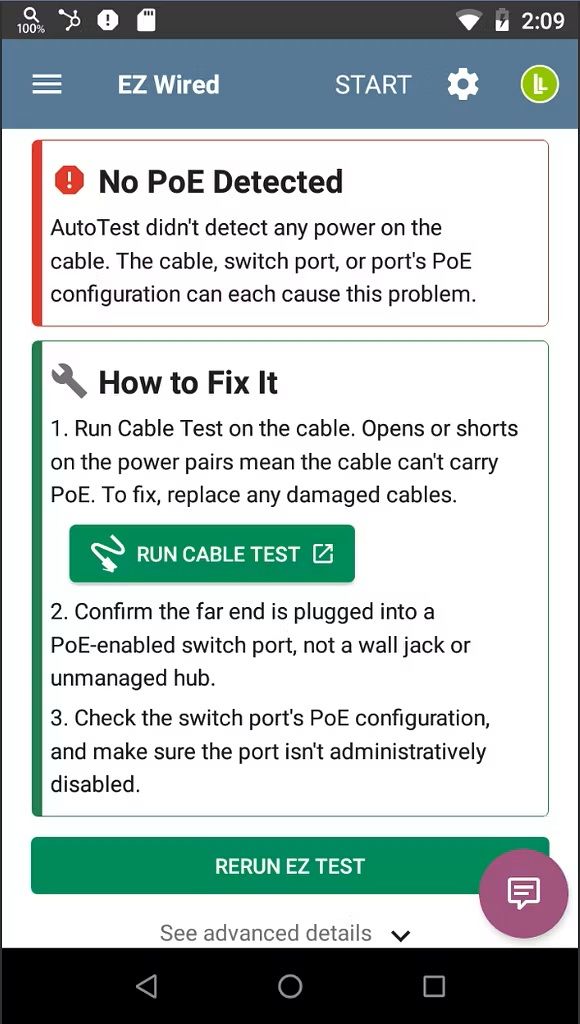
For a faster overview, EZ Wired presents these results in one scrolling view. It identifies the nearest switch through LLDP, CDP or EDP and retrieves key details including the port name, link speed and VLAN assignment.
This makes the tester suitable for validating a new connection, checking a change or establishing whether the issue is in the network path rather than in the connected device.
Inspect QSFP28 optics and individual lanes
A 100G connection often depends on several lanes working together. A fault on one lane can affect the complete link, while the switch may still report a healthy connection.
The QSFP Insights application reads the installed QSFP28 module and provides visibility into:
- Vendor, part number, transceiver standard, connector type and wavelength
- Supported link speed, lane configuration and FEC mode
- Maximum supported distance per fibre type
- Module temperature, voltage and alarm thresholds, where reported by the module
- Per-lane transmit power, receive power and transmitter bias current
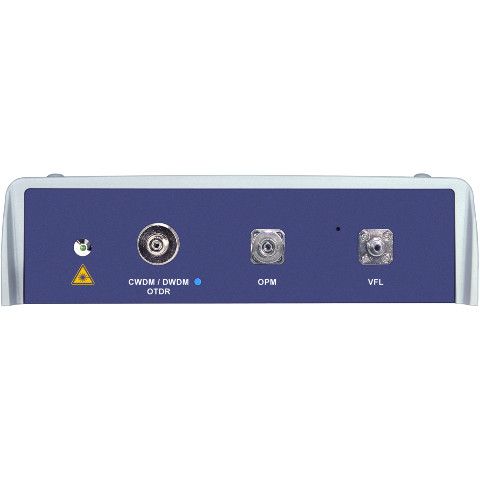
The LinkRunner 100G supports 25G, 40G, 50G and 100G optics, including single-mode, multi-mode, trunk, LC-breakout and MTP/MPO connections. It tests through its QSFP28 test port using the same optics and cabling as the network under test.
Identify whether the problem is beyond the local link
A fault reported at a switch port does not always originate at that port. Path Analysis maps the route from the tester to a connected destination, hop by hop. It helps identify overloaded interfaces, saturated resources and interface errors further along the path.
This is particularly valuable when a network team needs to distinguish between a local fibre or optic problem and an issue elsewhere in the infrastructure.
Measure Layer 3 performance
The Performance Test measures throughput, loss, latency and jitter across a Layer 3 path. It supports target rates from 10G to 100G and allows the test to be configured for traffic flow, frame size, VLAN and Quality of Service.
For performance testing above 10G, a second LinkRunner 100G is required as a source or endpoint. This provides a repeatable way to validate newly deployed infrastructure, investigate a suspected performance issue or verify whether a path delivers the expected capacity.
Document and share the result
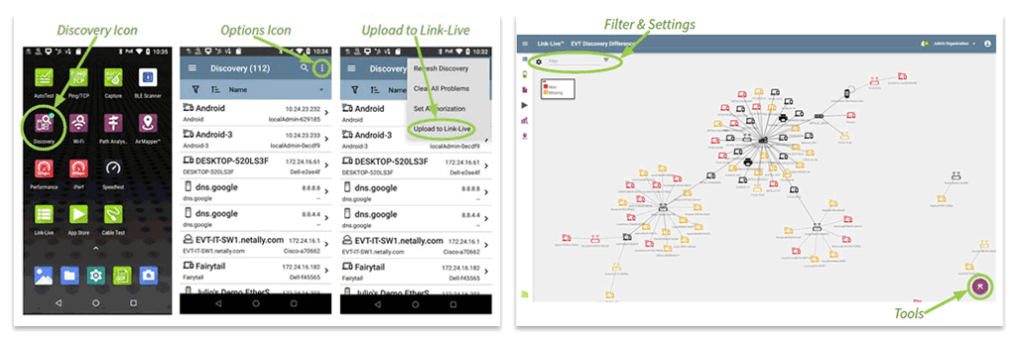
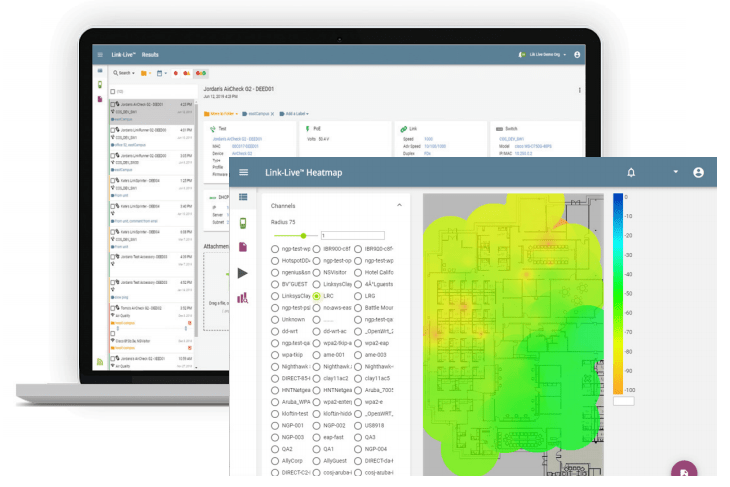
Test results can be uploaded to Link-Live, NetAlly’s cloud platform for reporting, analysis and collaboration. Link validation, optical information and performance measurements are brought together in a single result set, giving teams a clearer record of the work performed.
With an active AllyCare Pro plan, the platform also enables features such as advanced topology mapping, rogue-device identification, Ally Intelligence and remote view and control.
Important practical boundaries
The LinkRunner 100G is designed for high-speed wired Ethernet validation through its QSFP28 test port. It does not remove the need for the right test setup:
- A performance test above 10G requires a second LinkRunner 100G.
- SFP28 and SFP+ modules require a suitable QSFP-to-SFP adapter.
- QSFP Health and Lane Details are not available when a QSFP-to-SFP adapter is in use.
- Some module health information depends on what the installed transceiver reports.
- An active one- or three-year AllyCare Pro plan is required for every new LinkRunner 100G.
When is it relevant?
The LinkRunner 100G is relevant when a team needs evidence rather than assumptions around a high-speed link:
- Before and after a network migration or infrastructure upgrade
- During commissioning and acceptance testing
- When diagnosing intermittent 25G, 40G, 50G or 100G fibre issues
- When validating optics, FEC and lane configuration
- When proving end-to-end Layer 3 performance
- When documenting the result for colleagues, management or customers
Test the LinkRunner 100G in your own environment
Contact Heynen to arrange a hands-on demonstration with one of our demo units. Test the LinkRunner 100G against a relevant 25G, 40G, 50G or 100G scenario and assess the insight it provides for your own network.

your
local specialist
for