AllyWare v2.8 Release notes

When running an iPerf test, the tester now pauses active network Discovery processes to prevent interference and ensure more accurate throughput test results.
Wi-Fi Analysis Improvements
EtherScope nXG, AirCheck G3, CyberScope, CyberScope Air
String Search in the Wi-Fi App
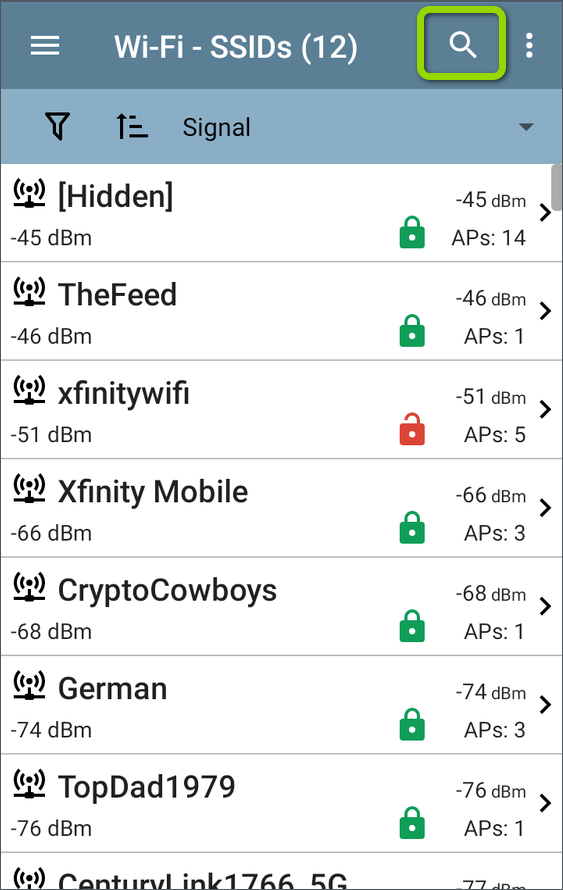
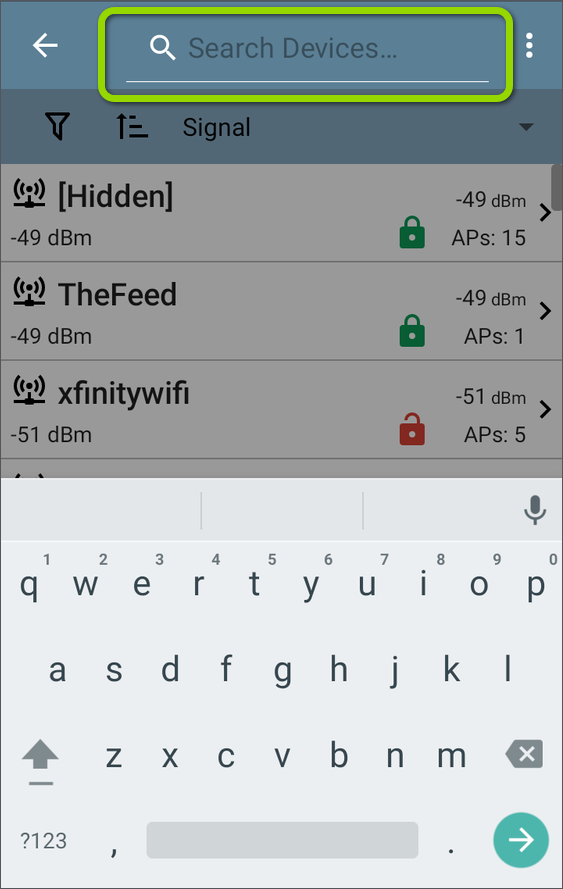
You can now search for numbers and text in the Wi-Fi App list screens to find specific names, addresses, and channel numbers, making it even easier to locate devices while in very crowded environments. The Search feature is available on the SSIDs, APs, BSSIDs, Clients, Channels, and Bluetooth list screens.
Tap the search icon to enter characters to search.
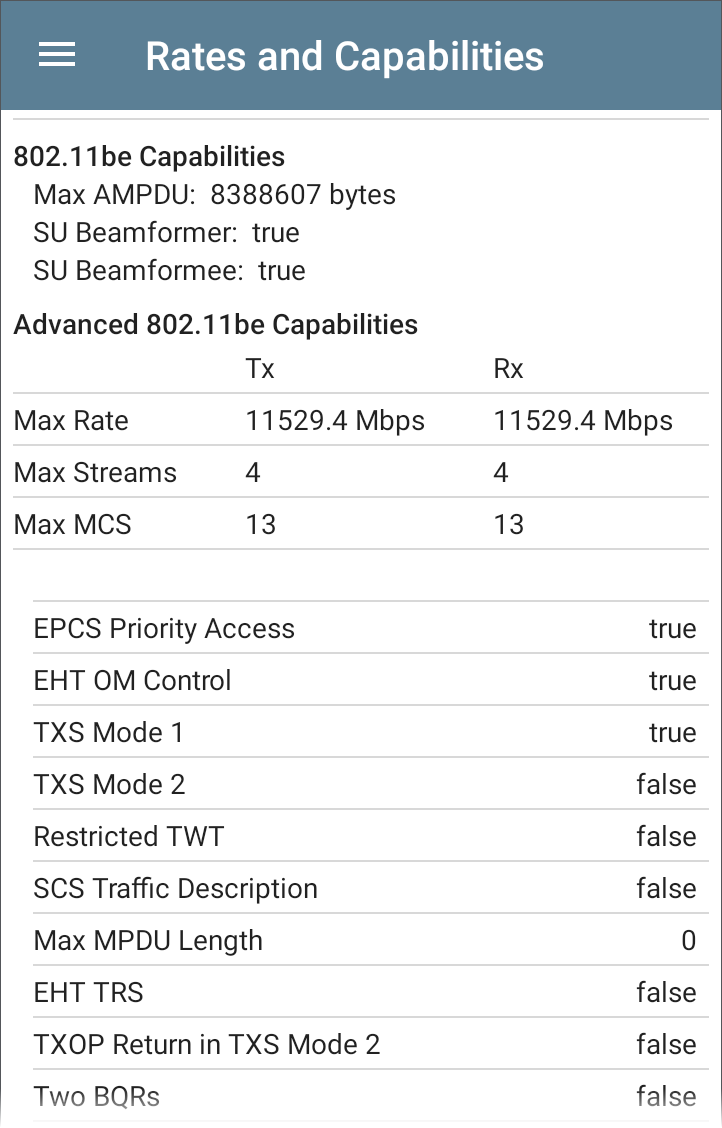
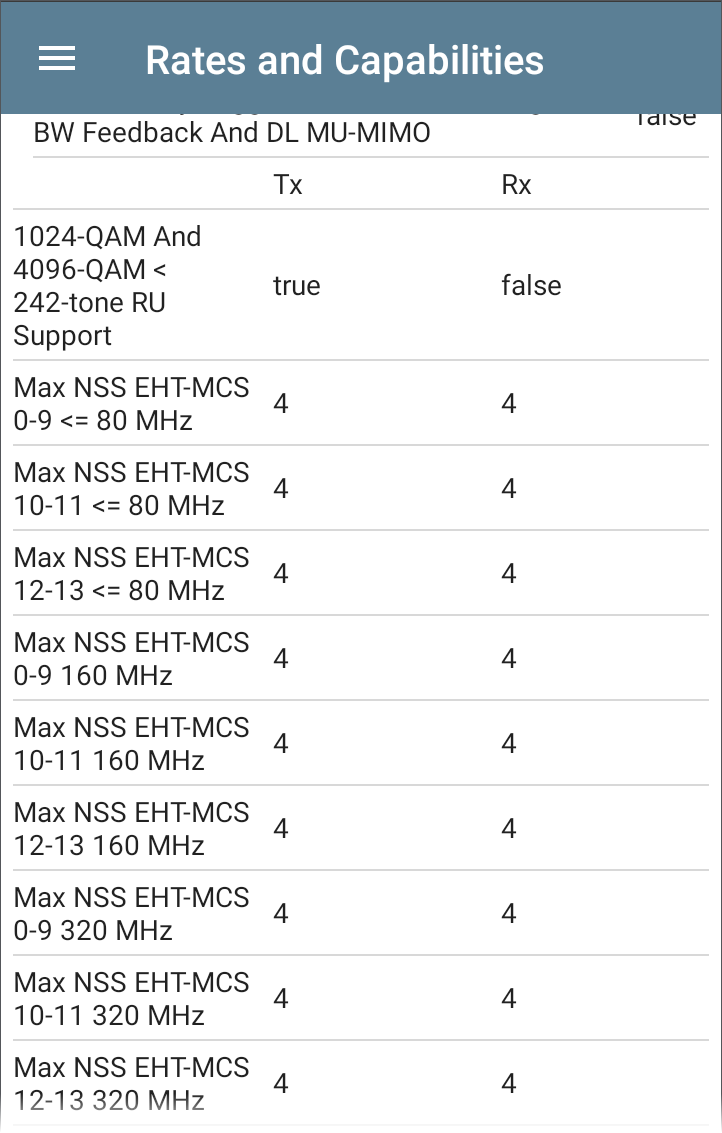
BSSID Rates and Capabilities Displayed for Wi-Fi 7 APs
The Wi-Fi details screen now shows 802.11be Rates and Capabilities for detected Wi-Fi 7 BSSIDs. These include key details about supported data rates and advanced features, helping you validate Wi-Fi 7 deployments and client compatibility.
Select All and Deselect All Filters
Wi-Fi filter groups now include Select All and Deselect All options to simplify selection of large filter lists.
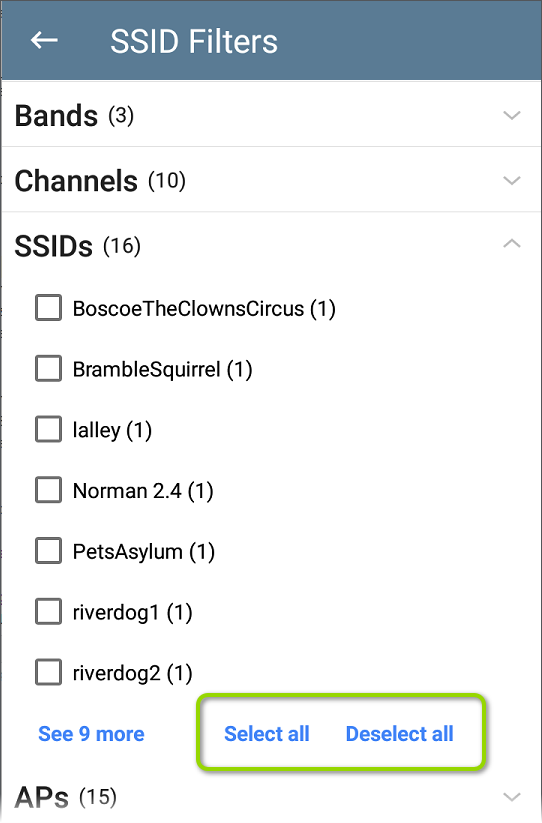
These new selection options are currently included in the following filter groups: Wi-Fi SSIDs, APs, and BSSIDs as well as Discovery IPv4 Subnets, IPv6 Subnets, Discovery VLANs, Discovery NetBIOS Domains, and SSIDs.
Custom Wi-Fi Signal Adjustments for Channels
EtherScope nXG, AirCheck G3, CyberScope, CyberScope Air
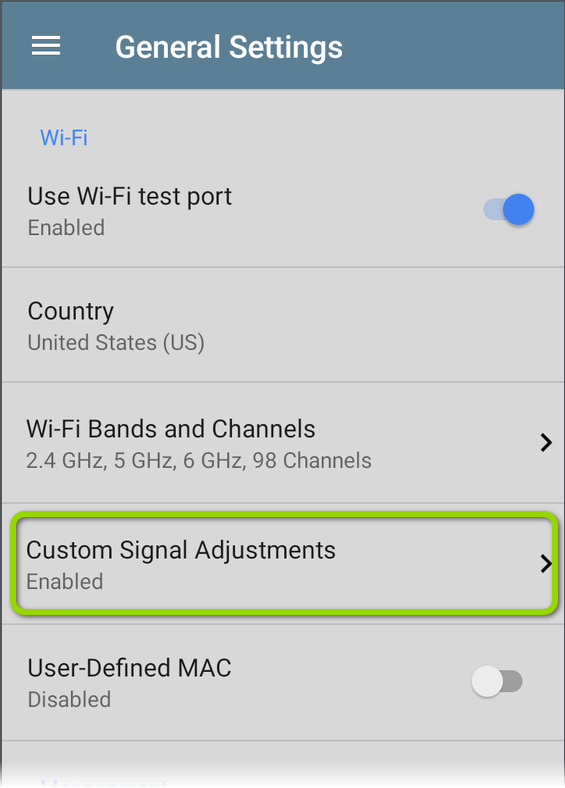
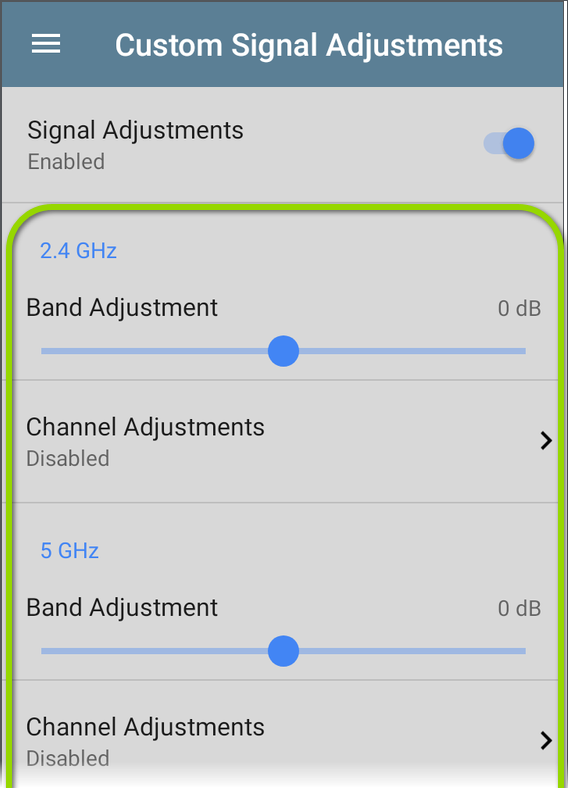
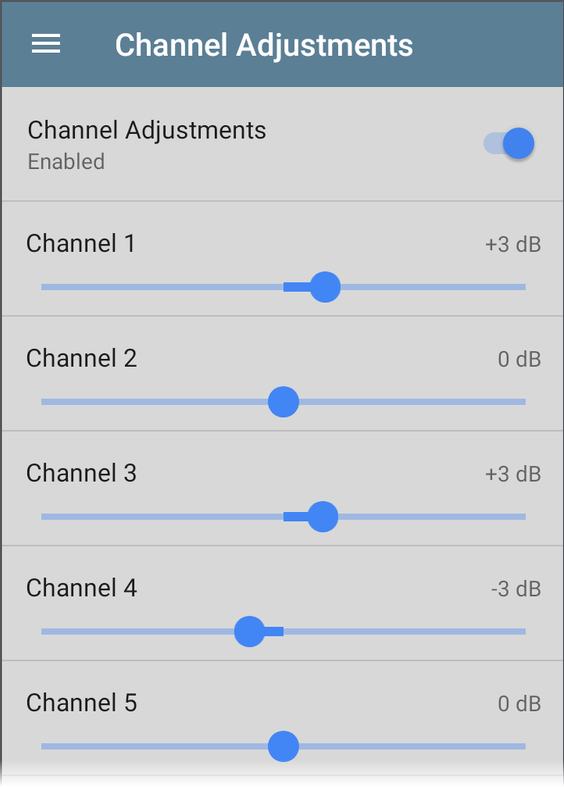
New General Settings for Wi-Fi measurements allow for custom signal offsets (dBm) of individual channels as well as bands, giving you more precise control when accounting for antenna differences, environmental factors, or hardware calibration that may affect certain channels differently.
Signal Level Threshold in AirMapper
EtherScope nXG, AirCheck G3, CyberScope, CyberScope Air
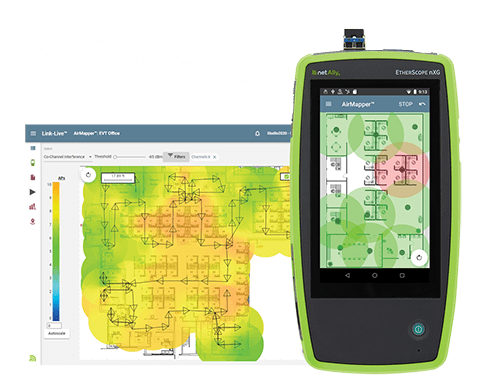
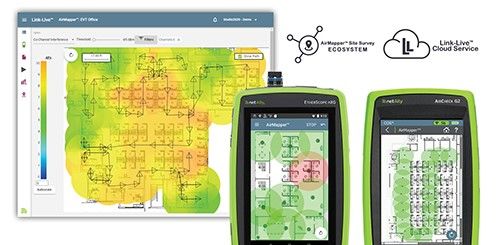
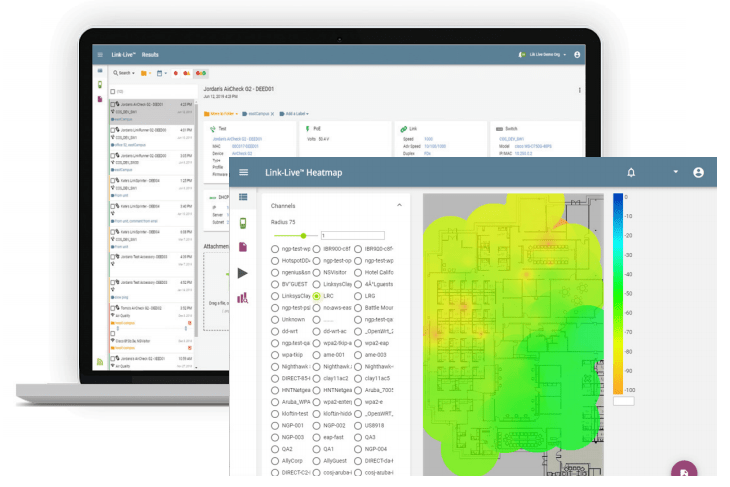
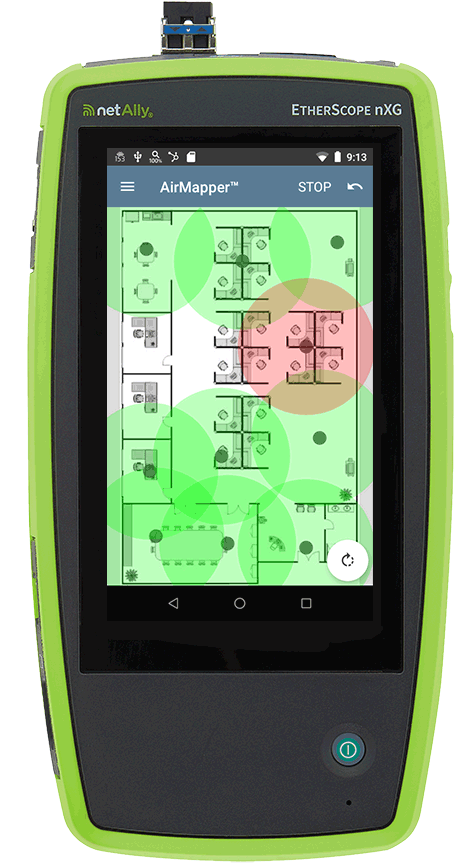
This setting designates the minimum signal level required for Wi-Fi devices to appear in heatmaps, enabling you to ignore signals that are too weak to impact your network performance. Tap the field in the AirMapper settings to select a new value or enter a custom one. The default of -85 dBm excludes devices with a very low signal. You can enter a custom signal level threshold of -10 to -99 dBm.
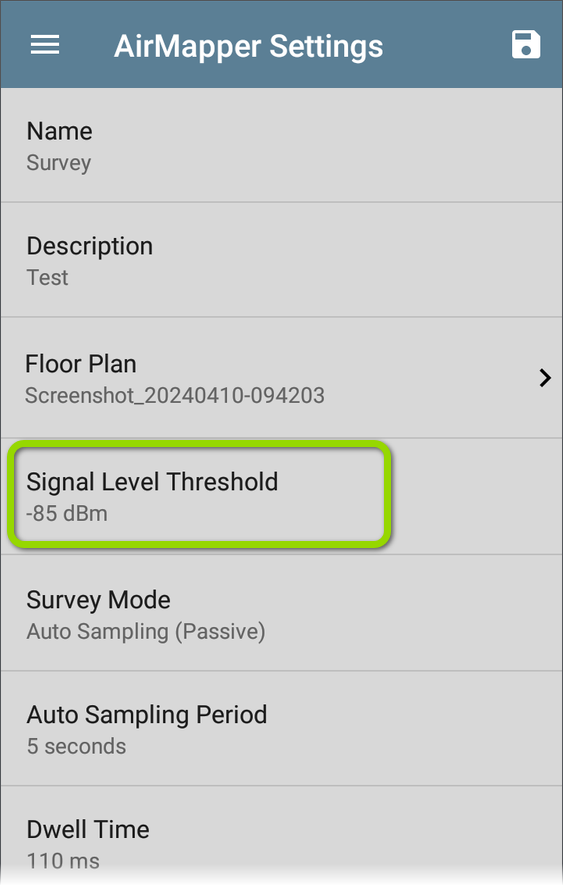
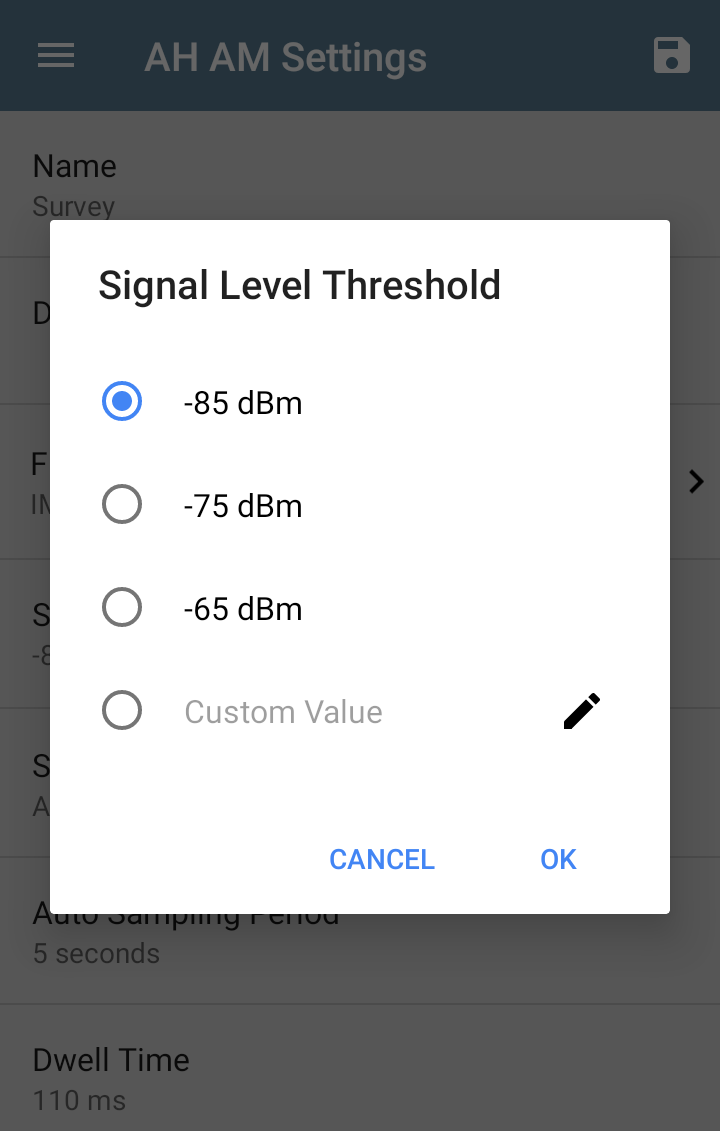
NOTE: As of software version 2.8, the new default threshold of -85 dBm excludes device data that was previously included by default on survey heatmaps.
Wi-Fi Packet Capture – Wider Channel Width Support
EtherScope nXG, AirCheck G3, CyberScope, CyberScope Air
The Capture app now supports up to 160 MHz channel width Wi-Fi packet captures in the 5 and 6 GHz bands and 40 MHz channel width in the 2.4 GHz band, enabling broader channel analysis and improved packet visibility across more Wi-Fi environments.
Link-Live App Enhancements
EtherScope nXG, AirCheck G3, CyberScope, CyberScope Air, LinkRunner 10G, LinkRunner AT
Automatic Upload of LANBERT, Path Analysis, Performance, and iPerf Results to Link-Live
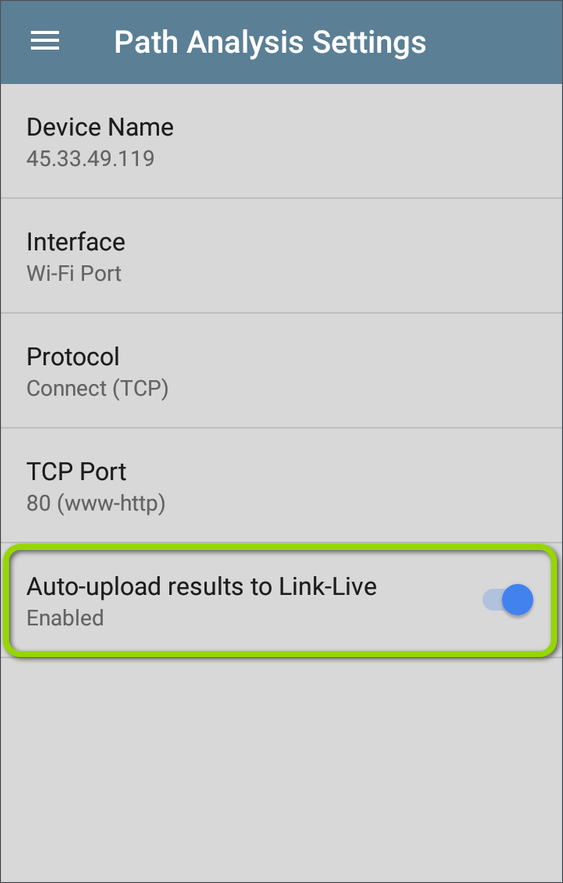
A new setting in the LANBERT, Path Analysis, Performance, and iPerf apps allows you to automatically send test results to Link-Live, making it easier to document your findings.

Improved Spectrum Graph Navigation
EtherScope nXG, AirCheck G3, CyberScope, CyberScope Air
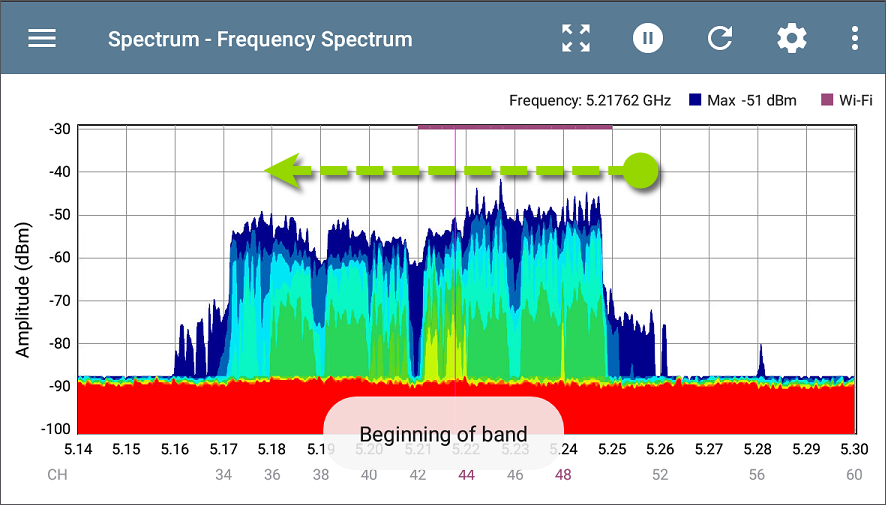
While using the NXT-2000 Portable Spectrum Analyzer, you can now touch and fling on the Spectrum app graphs to shift the view to the next portion of the displayed frequency range. To fling, swipe quickly across the graph and lift your finger. The graph then redraws to show the next section.
You must have the graph zoomed in on portions of the band, rather than viewing the entire band. One fling motion, forwards or backwards, redraws the graph for the next two thirds of the displayed range. For context, one third of the previously displayed frequency range remains in view.
New notifications will appear at the bottom of the graphs to let you know when you are at the far edges (Beginning of Band and End of band) and when zoom is at maximum.
For example, in the image below, the graph is displaying the lowest portion of the 5-GHz frequency band, from 5.14 to 5.30. The user can touch and fling towards the left to view the next higher two thirds of the displayed frequency range. The last third of the previously displayed range, on the right, will be redrawn on the left side of the view.
Discovery App Improvements
EtherScope nXG, CyberScope, CyberScope Air, AirCheck G3, LinkRunner 10G, LinkRunner AT 4000
Incomplete Discovery Warning
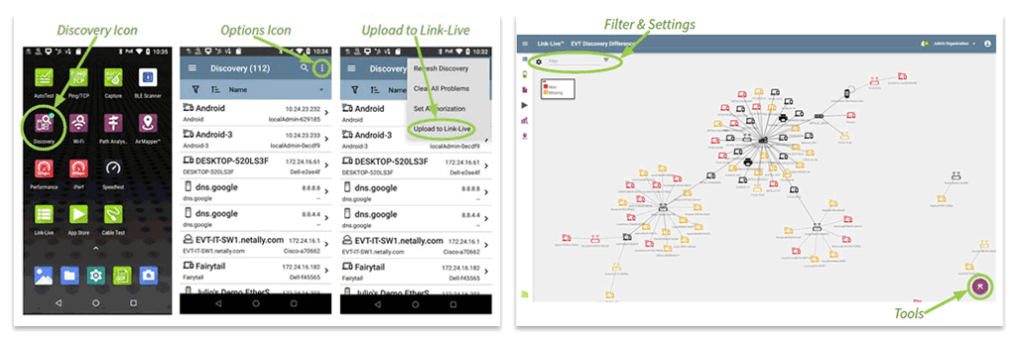
You will now receive a Warning message when you try to upload or save Discovery test results before network discovery has been completed.
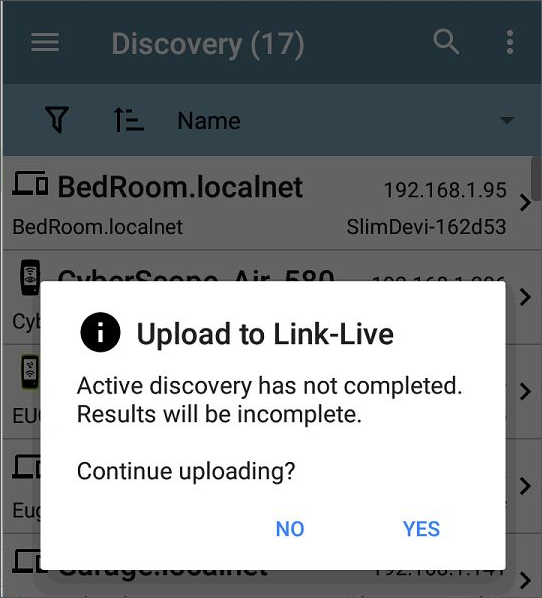
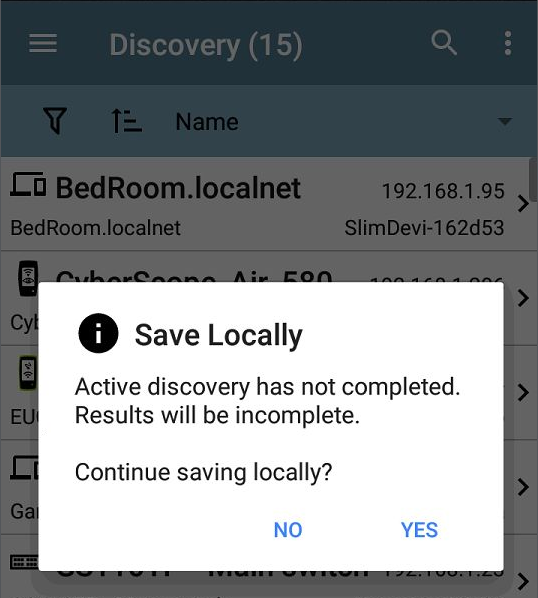
NOTE: You are still given the option to save incomplete Discovery test results, but some data may not be available for analysis.
AutoTest Results - Label Updates
EtherScope nXG, CyberScope, LinkRunner 10G, LinkRunner AT
Updated Wired Link Test Result Labels
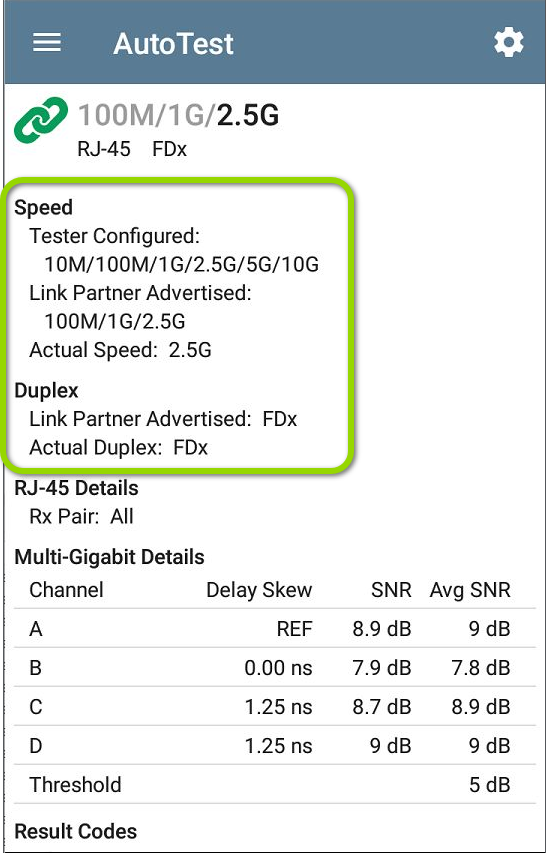
The AutoTest Wired Link speed result labels have been revised to improve clarity, helping you interpret connection speeds more accurately. “Configured Speeds” has changed to “Tester Configured,” and “Advertised Speeds/Duplex” have changed to “Link Partner Advertised/Duplex.”
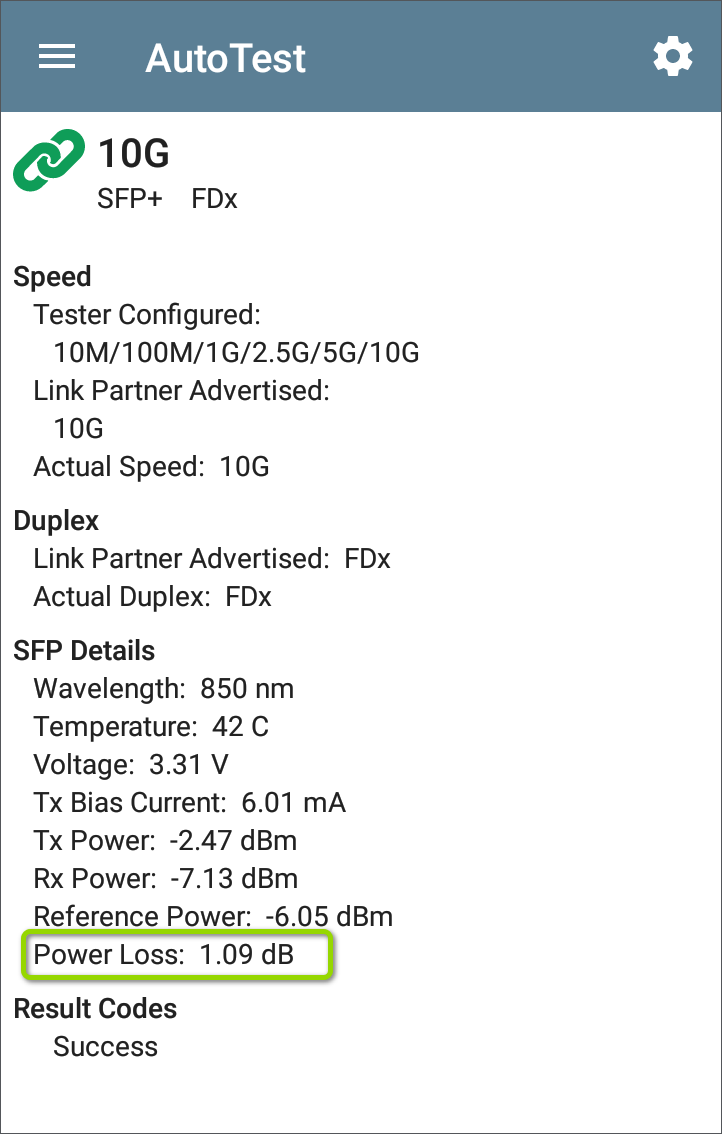
The “Power Difference” label in Link results for fiber connection tests has been renamed to “Power Loss” for improved clarity and alignment with industry terminology.

your
local specialist
for